
You’ve probably used an API five times today—and didn’t even know it.
From unlocking your phone with facial recognition to ordering food through a delivery app, APIs are the hidden messengers making it all happen. But despite how essential they are, most people only know the acronym without understanding how these digital translators actually work.
If you’ve ever wondered what an API really is, why it matters, or how it connects modern software together, you’re in the right place.
This article strips away the jargon and gets right into the api development basics. We’ll use simple analogies and walk you through exactly how APIs function—from fundamental definitions to the architecture behind the scenes.
No fluff. No technical overwhelm. Just a clear, straightforward guide that opens up the black box of modern software and shows you how data talks.
What is an API? The Digital Handshake Explained
As you dive into the world of APIs, it’s also essential to familiarize yourself with container technologies, which play a crucial role in modern application development—check out our article on ‘A Beginner’s Guide to Containerization Using Docker and Kubernetes’ to explore how these tools can streamline your development process – for more details, check out our A Beginner’s Guide to Containerization Using Docker and Kubernetes.
Let me take you back to my first attempt at building a basic weather app.
I had no idea how to get real-time temperature data—until I was told, “Just use an API.” Sounded like tech jargon (because it is), but once I cracked it open, everything clicked.
An API (Application Programming Interface) is like a digital handshake. It’s a standardized set of rules that lets two software programs talk to each other. Kind of like a translator at the UN—except instead of languages, it translates code-speak between different systems.
Picture it like a Restaurant
This classic analogy helped me wrap my head around it:
- You (the user) place an order from the menu.
- The API is the waiter, taking your request to the kitchen.
- The kitchen (server/database) prepares your request.
- The waiter (again, the API) brings your dish (the data) back to you.
Simple. Clean. No need to enter the kitchen yourself (not just bad etiquette, it’s also very much off-limits).
But here’s where many get confused: the API isn’t the kitchen or the chef—it’s just the airtight window that lets you place requests safely, without ever having to understand what’s inside.
When I finally understood api development basics, I realized how many apps we use every day rely on APIs: Google Maps, Spotify, even ordering an Uber.
Pro tip: Always read API documentation. It’s like the menu you order from—knowing what’s available (and how to ask for it) saves you loads of time.
Why APIs are the Backbone of Modern Technology
Some still argue that businesses can build everything from the ground up—every service, every feature, entirely in-house. Sure, it sounds noble (and expensive). But here’s the truth: you’re not winning bonus points for reinventing the wheel.
Modern tech thrives on efficiency, connectivity, and speed. That’s where APIs (Application Programming Interfaces) come in. They’re not just tools—they’re infrastructure. APIs let apps talk to each other, whether it’s your calendar syncing with Zoom or your bank app connecting to Plaid.
Let’s break that down.
Connectivity and Integration
APIs are the glue holding the digital ecosystem together. Your food delivery app tapping into real-time traffic? That’s an API call to Google Maps. Without this seamless integration, most modern apps would crumble (well, or just become very frustrating).
Efficiency and Speed
Using something like the Stripe API for payments or the Twilio API for messaging saves development time and money. Instead of building from scratch, teams can lean on well-proven tools and focus on the real goal—delivering value fast. (Pro tip: Know the basics of api development basics to identify which APIs actually save time versus introducing tech debt.)
Innovation and Scalability
APIs don’t just connect services—they open doors. Apple and Google built trillion-dollar ecosystems by giving developers access to powerful APIs. This allowed entire app economies to flourish. By exposing services through APIs, companies unlock outside innovation—without writing a single extra line of code themselves.
What’s in it for you? Faster dev cycles, better integration, and a future-proof foundation that grows as fast as your ambition. (And yes, your app really can do that once it’s powered by APIs.)
The Anatomy of an API Call: Requests and Responses
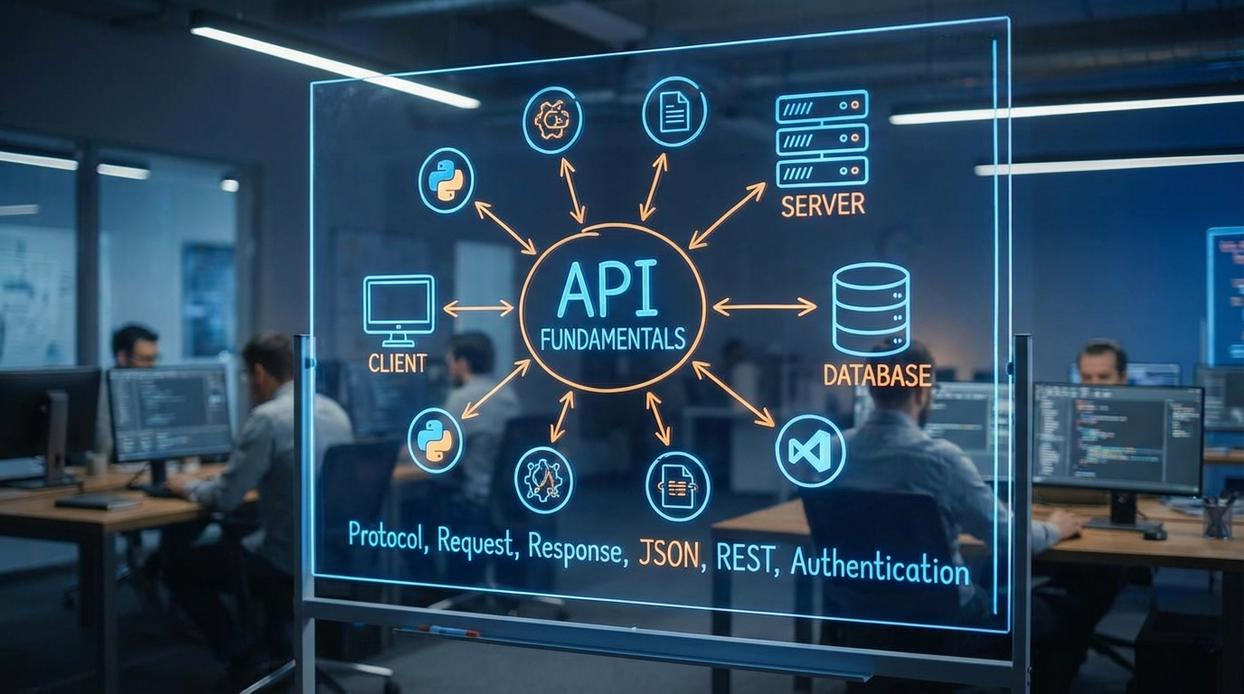
Ever wonder what’s actually happening under the hood when your app “talks” to a server? Understanding an API call doesn’t just help developers—it helps product teams, QA testers, and even curious non-tech folks who want to know why “the button isn’t working.”
Let’s break it down.
An API call has two main parts: the request and the response. Think of it as ordering food at a restaurant. You (the client) place an order (the request), and the kitchen (the server) brings back your meal (the response). Here’s how it works in practice.
The Request: What the Client Sends
-
Endpoint – The restaurant’s address, so to speak. It’s where the request gets sent. For example:
api.example.com/v1/users. -
HTTP Method – This is your intent:
-
GET: “Just looking” (retrieve a list or item).
-
POST: “I’d like to place a new order” (create a resource).
-
PUT: “I changed my mind about the order” (update existing data).
-
DELETE: “Cancel that order” (remove an item).
(Fun fact: APIs have better memory than waiters—they never forget a DELETE command.)
- Headers – Think of these like napkin notes sent with your order. They include things like:
Content-Type: application/json(lets the server know the data format)- An API key for authentication (like showing your VIP card).
Pro Tip: Always check your headers. Many debugging headaches come from missing or incorrect headers.
The Response: What the Server Sends Back
- Status Code – Like the facial expression of a waiter:
- 200 OK – Success!
- 404 Not Found – You asked for something that doesn’t exist.
- 500 Server Error – The kitchen’s on fire (metaphorically, one hopes).
- Body – This is the main dish. It contains the actual data returned by the API, most often in JSON format due to its simplicity and readability.
Now, some developers might argue “Why not just use cURL or Postman and avoid caring about what each part means?” But here’s the thing: knowing the structure of an API call helps you fix errors faster, design better systems, and avoid common mistakes. It’s the cornerstone of understanding api development basics.
And if you’ve ever wondered how this fits into a larger system design, check out what are microservices and why do they matter in todays architecture. APIs are often the glue that holds it all together. (Yes, even when the glue gets sticky.)
Common API Architectures: A High-Level Overview
Let me start with a quick story.
Back when I was building my first production app (read: a messy mix of spaghetti code and blind optimism), I chose REST—mostly because that’s what every online tutorial screamed about. It felt simple: URLs like /users/4 and standard methods like GET, POST, PUT, and DELETE. At the time, I didn’t appreciate its stateless nature—each request stands alone, meaning the server doesn’t remember previous interactions. Convenient? Yes. Frustrating when trying to mimic a conversation between client and server? Also yes.
Years later, I worked with a team that swapped REST for GraphQL on a massive product dashboard. Why? Because REST kept giving us either too much or too little data—seriously, no one asked for every field in the user profile. With GraphQL, we could ask for exactly what we needed in one query. It felt like ordering à la carte, not getting a buffet you didn’t want. api development basics taught us that flexibility like this matters, especially on slow connections or large payloads.
But not all systems love flexibility. When I did freelance work with a financial client? SOAP was king. It had that old-school, enterprise appeal—with strict rules, built-in security, and error handling that REST and GraphQL couldn’t match. (Think of SOAP like the strict headmaster who makes sure everyone follows the rules… to the letter.)
Pro tip: If your API needs to be fast, flexible, and mobile-ready, REST or GraphQL are your go-to. But if you’re diving into regulated industries—banking, insurance—SOAP still holds surprising ground.
Essential Principles for Effective API Design
When it comes to API development basics, not all approaches are created equal.
Authentication & Security: Some teams settle for simple API keys (fast but limited), while others use OAuth (more secure, but more complex). OAuth is typically the better choice for apps handling personal or financial data—yes, even if it takes longer to implement.
Clear Documentation: Think of it this way—would you rather navigate with a full map (Swagger/OpenAPI) or vague directions (“turn somewhere near that tree”)? Clear docs win every time. An API without them is like assembling IKEA furniture without instructions (good luck with that).
Versioning: Starting with /api/v1/ vs. jumping directly to /api/vNext? The former keeps legacy clients stable; the latter confuses everyone. Track versions clearly, or risk breaking every integration when changes roll out.
Pro tip: Never rename endpoints mid-production—it’s like changing your address and not telling your mail carrier.
You came here to understand what makes our digital world tick — and now you do.
From mobile apps to smart devices and cloud services, APIs are the unseen connectors that make our everyday tech work together. The complexity of our modern digital infrastructure can feel overwhelming, but api development basics are what bring order to that chaos.
You now have a foundational grip on what APIs are, why they matter, and how they enable systems to communicate. With this knowledge, you’re equipped to decode the invisible language powering innovation across industries.
What you should do next
Take what you’ve learned and explore a real-world API — like the OpenWeatherMap API or The Movie Database API. Seeing a live API in action brings theory to life.
Still unsure where to start? You’re not alone. That uncertainty is exactly why we created our API learning path — it simplifies even the toughest concepts.
Thousands already trust us to break down complex tech. Join them. Start with real documentation, ask smarter questions, and build with confidence.
Digital ecosystems run on APIs. Your next move is learning to speak their language.